5 tools compared and explained
AI Tools for Print on Demand Sellers
From a blank page to a product in your shop. Plain-English guides to the AI tools that get you there, whether you want to move fast or just don't want to get lost. One interface can connect your designs, Printify or Gelato, and Etsy, Shopify or WooCommerce.
Start the free demoCompare the tools →
No credit card for the demo · Updated · By Farouk
Independent. We earn a commission when you sign up through some links, and we say so on every page.
Tools and platforms covered in our guides
- Magicmoon
- Canva
- Printify
- Gelato
- Printful
- Etsy
- Shopify
- WooCommerce
- MyDesigns
- Adobe Express
- Kittl
- Placeit
One interface
One interface for your whole workflow
Printify and Gelato for production, Etsy, Shopify and WooCommerce for selling: they all connect to Magicmoon.
Suppliers
PrintifyGelatoYour shops
EtsyShopifyWooCommerceNo more hopping between a dozen tabs for the design, the product and the sale: Canva for the artwork, Printify or Gelato for the product, Etsy for the listing. You create, set up and publish from one place, and you can import designs you made in Canva. Orders are still produced and shipped by your supplier.
Walkthrough
See it in action first
Video in French by Romain Brunel, 21 minutes, from the first design to the published product. Want it in English? In the YouTube player, open the gear icon, then Subtitles, then Auto-translate. Our own video is on its way.
The method
Which tool should you choose?
The five questions that separate the tools, in the order to ask them.
Tools analysed
Our guides to the tools
Each tool is explained with its features, its limits and who it suits, so you know what to learn before you commit.
Mockups
Picture it on your products
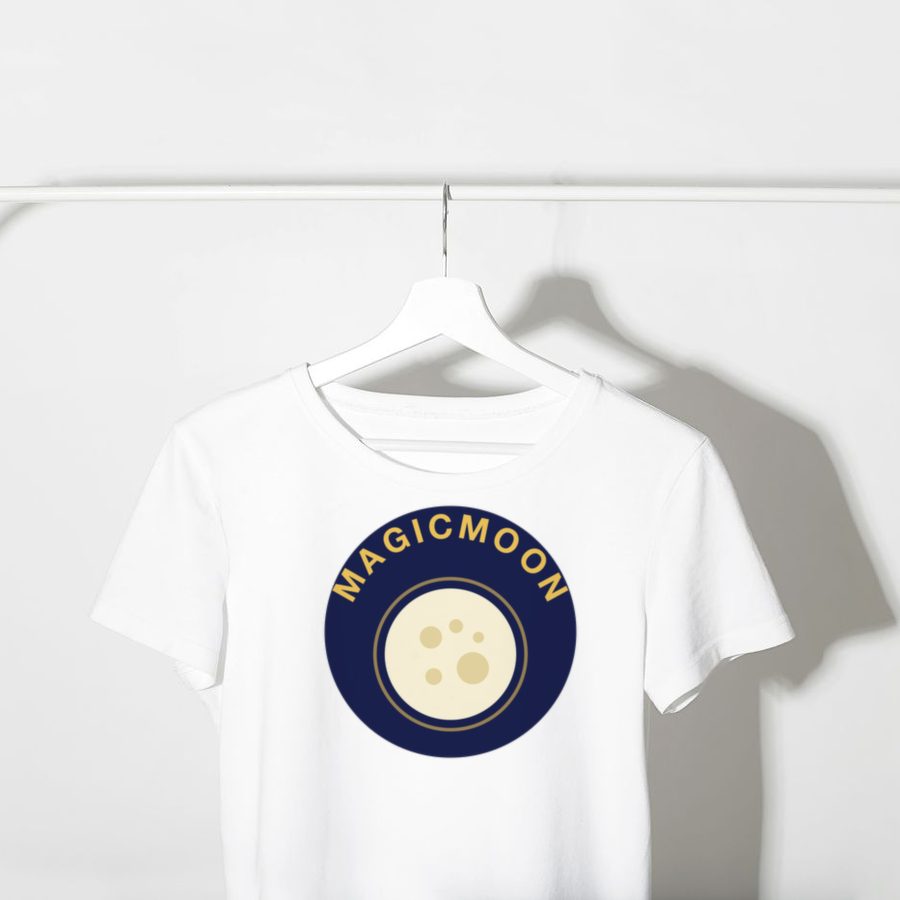
One design, many products. The same artwork can live on a tee, a mug, a poster or a tote bag. Here is what a small shop could look like.
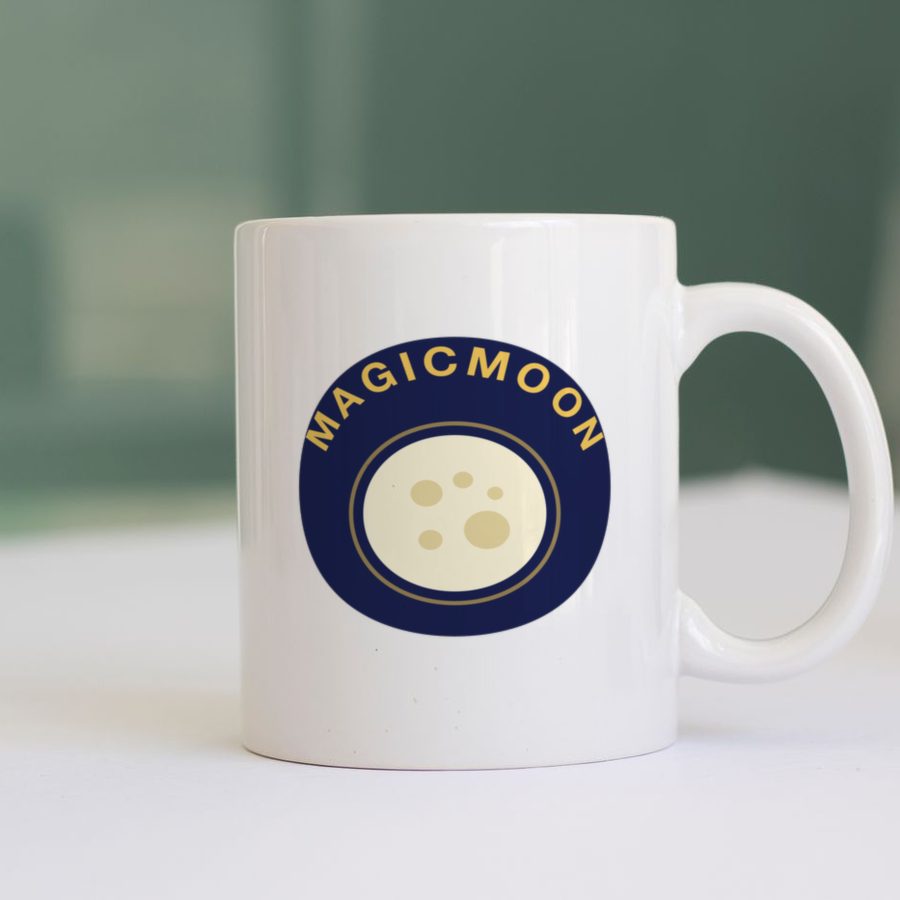
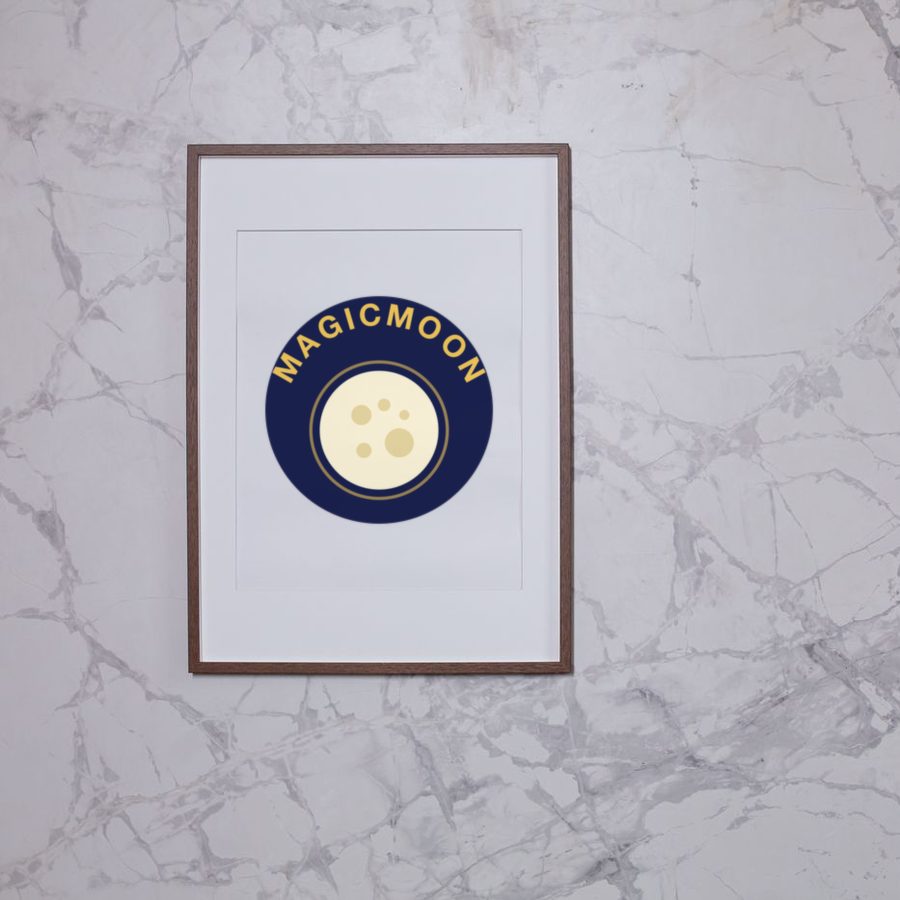

Mockup examples: one design, many products.
Beyond the design
Not just a design tool
The slow part of launching a product is rarely the artwork. It is everything around it. Magicmoon takes that work in one place:
- Pick the supplier, product, colors and sizes.
- Place the design on the product, front and back when allowed.
- See each variant's price next to the supplier cost.
- Get titles, descriptions and tags written, then review them.
- Publish to your shop as a draft or live, one product or a batch of 500 ideas.
The supplier still prints and ships. You skip the juggling. See the full Magicmoon review.
The basics
Print on demand in plain English
You sell custom products, such as shirts, mugs and wall art, without holding any stock. You create the design. A supplier handles the printing and production, then ships the order straight to your customer. You pay the production cost only when an item sells, so your profit margin is the gap between that cost and your selling price. Your online store never needs a warehouse.
Four pieces, one product
- Design: made by you, by a designer or with an AI tool.
- Supplier: the company that prints and ships, such as Printify, Gelato or Printful. It decides product quality, shipping time and cost.
- Shop: where you sell, for example Etsy, Shopify or WooCommerce.
- Listing: the title, description and tags that make a custom product easy to find and worth buying.
Most AI tools only speed up the first one. Magicmoon goes further: the screen below shows the chain it connects, from designs to suppliers, shops and products.

All guides
Our guides to choose your tools
Start with these three. The rest is one click away.
 Magicmoon reviewWhat the AI studio does, how its flow works, and who should skip it.Read the guide →
 Best AI for print on demandFour types of AI tools compared, and a simple pick for beginners and fast sellers.Read the guide →
 How to use MagicmoonA ten-step tutorial from your first prompt to a published product.Read the guide →
How we work
How we write these guides
We start from the official websites, the public pricing and policies, and the tool's own interface. Prices change, so each price links to its official source and gets checked again whenever we update a page. Curious who writes this? Meet the author on the about page.
FAQ
Common questions
Do I need design skills?
Not necessarily. AI design tools generate artwork from a text description, but you must still review every design for quality, originality and the rights to what you print.
Is print on demand worth it?
It lowers the upfront cost because you hold no stock, but the profit margin per item is modest and competition is high, so your niche and the quality of your listings matter most.
Which supplier should I pick?
It depends on your products and where your customers live. Our Printify vs Gelato comparison and our providers guide explain the main differences.
Which tool should a complete beginner try first?
A guided tool with a free demo is the gentlest start. Magicmoon offers a guided path and a demo without a credit card; our review explains what it does and who should skip it.
Do these guides promise income?
No. They explain how the tools work. Results depend on your niche, your designs and your marketing.
Next step
Ready when you are
Want one tool that takes you from idea to published product? Read the Magicmoon review, then take the guided demo at your own pace. Nothing goes live until you say so.